UX Fest 2025: Ember Alert
Project Length: 24 hours
Roles: UX Researcher, UX/UI Designer, Content Designer
Tools: Figma, Microsoft Forms
Overview
As part of a 24-hour design sprint, my team was tasked with creating a travel app concept that integrated AI in a meaningful way. We developed a high-fidelity prototype for an AI-powered evacuation assistant that provides real-time, personalized travel recommendations during natural disasters.
Challenge
During emergencies, individuals often receive fragmented or delayed information from regional services. Existing platforms like Watch Duty lack personalization, live shelter availability, and clear route updates — leaving users uncertain about where to go or which roads are safe.
Research and Insights
We surveyed over 80 individuals to understand user preferences and awareness of emergency travel apps.
94% had never used an evacuation app, showing a major opportunity for design education and trust-building.
90% valued live updates on shelters, transportation, and evacuation zones.
72% wanted personalization features to fit their unique needs (location, family size, mobility, etc.).
These insights guided our focus on real-time data accuracy, trust, and customization.
Ideation
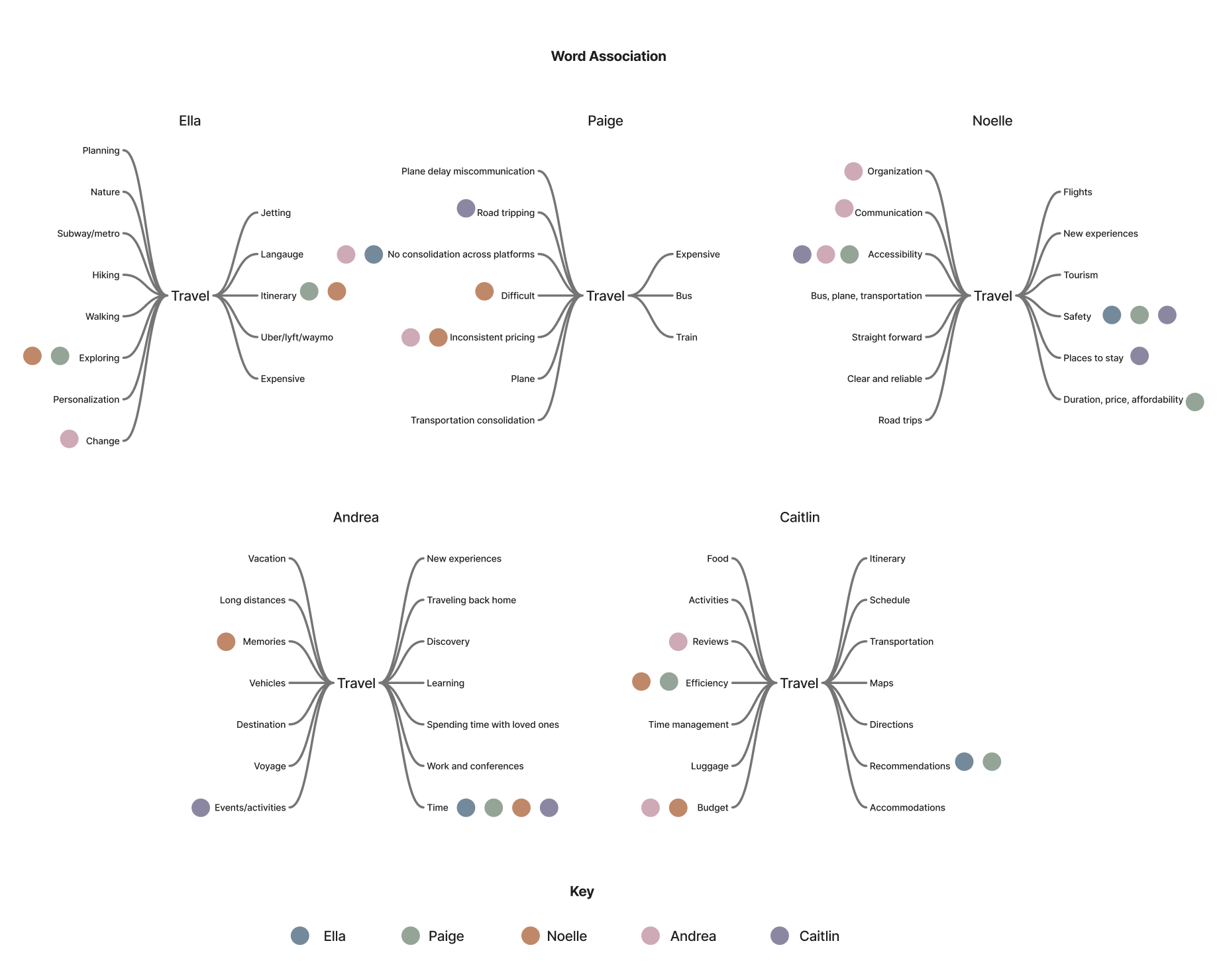
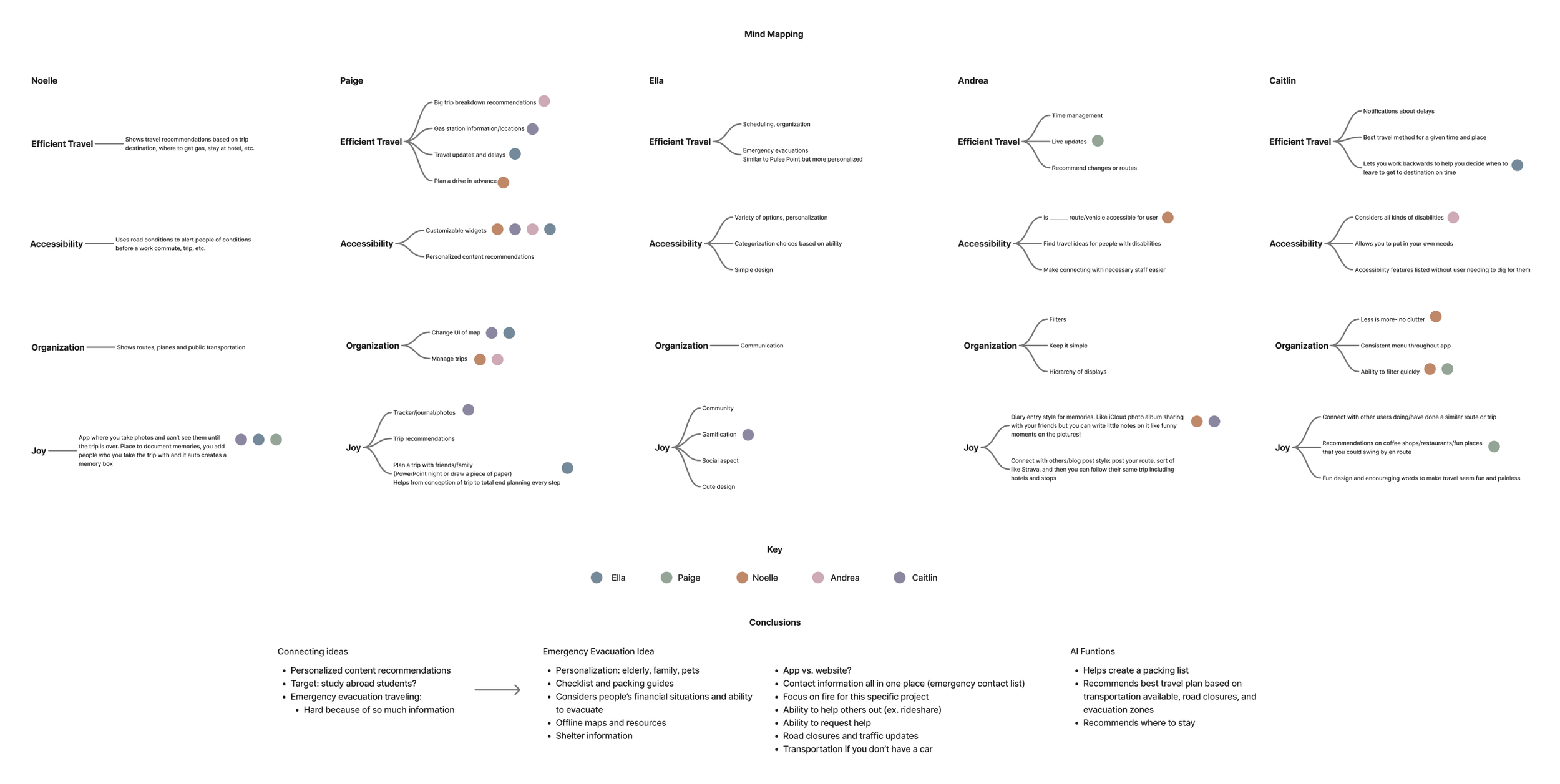
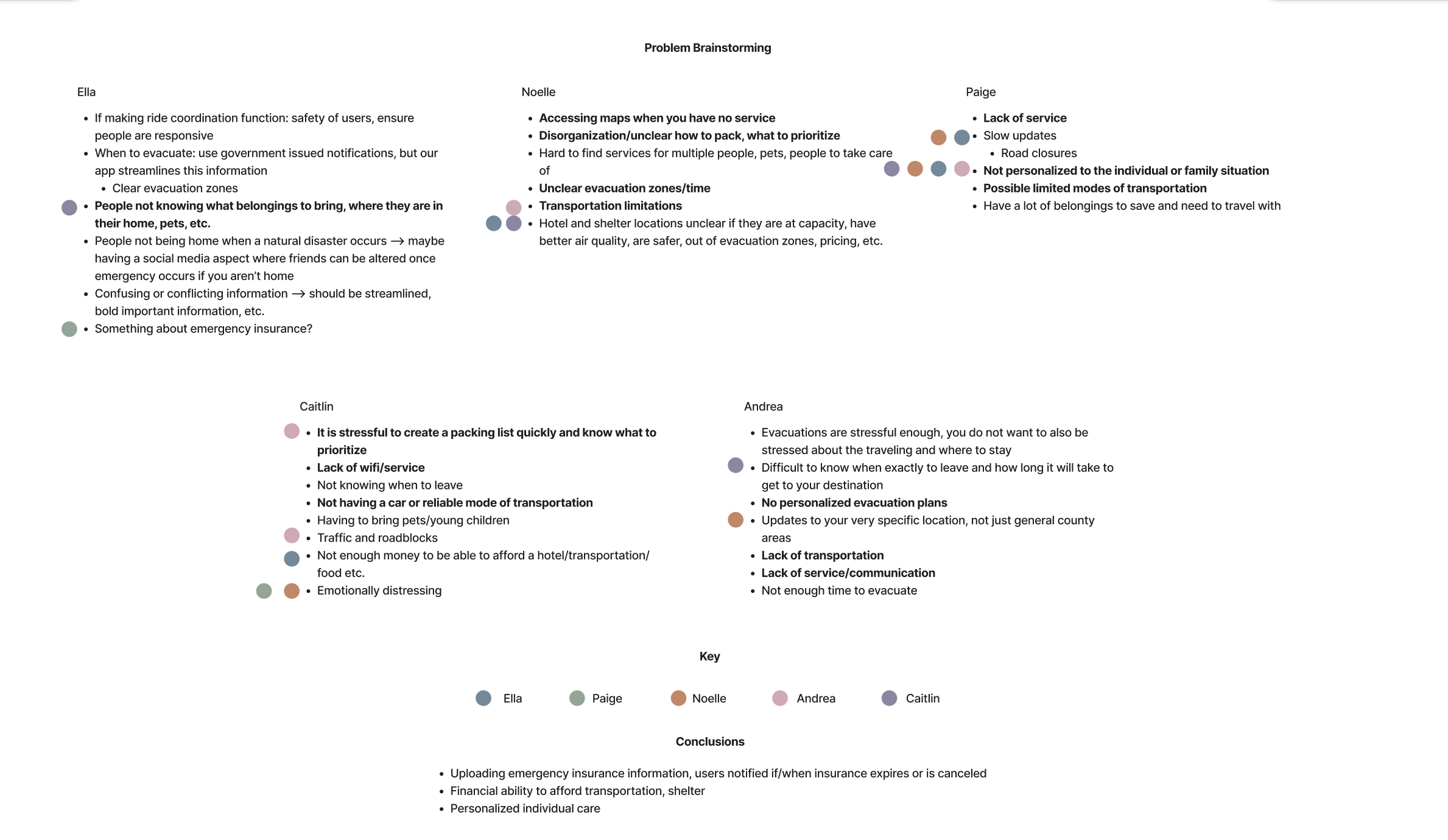
Our team generated product ideas through timed exercises like word association and mind mapping, quickly filtering and refining concepts. This process led to an original idea: a travel app focused on evacuations. During problem brainstorming, we identified potential evacuation challenges, shared ideas, and voted on priorities to guide our design direction.
Strategy
Personas
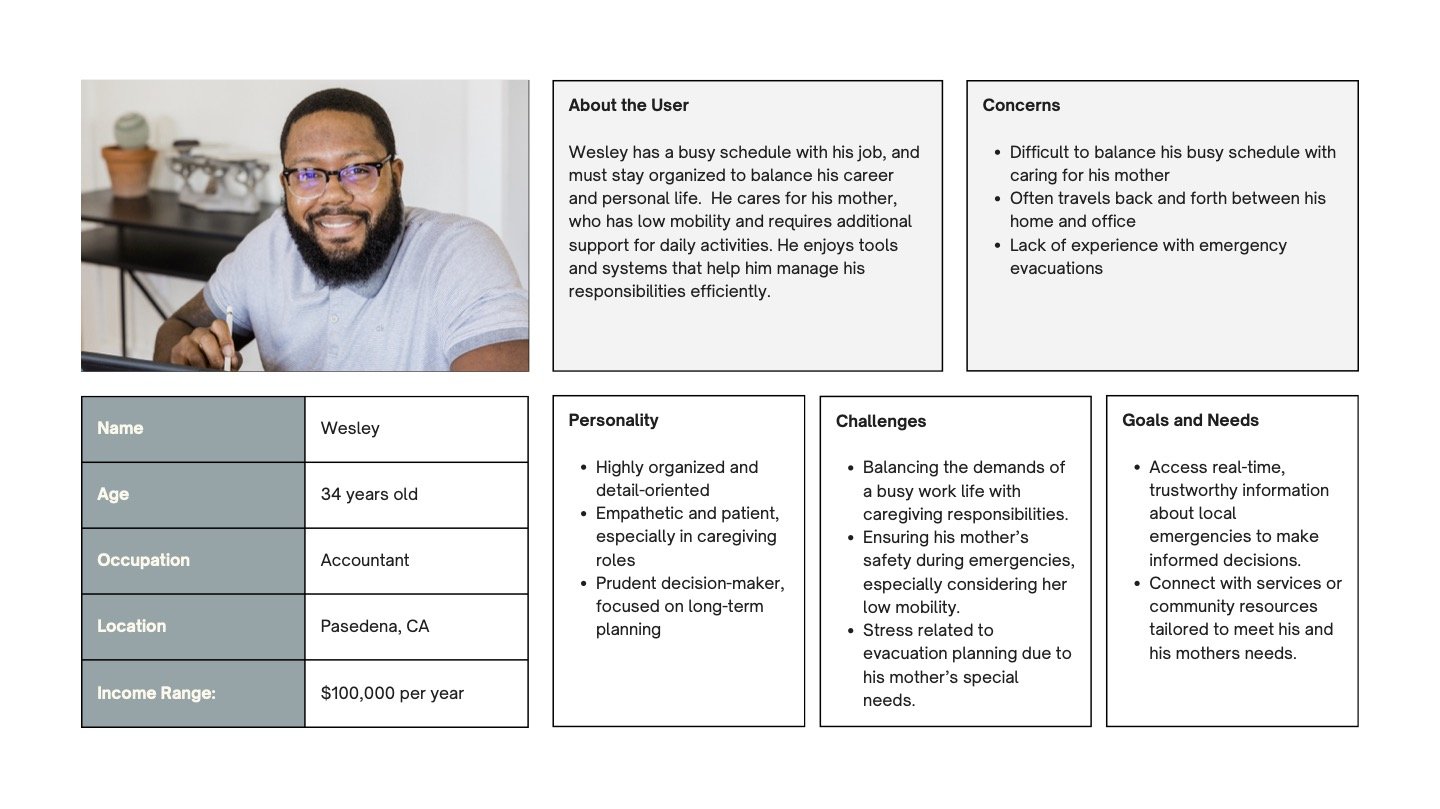
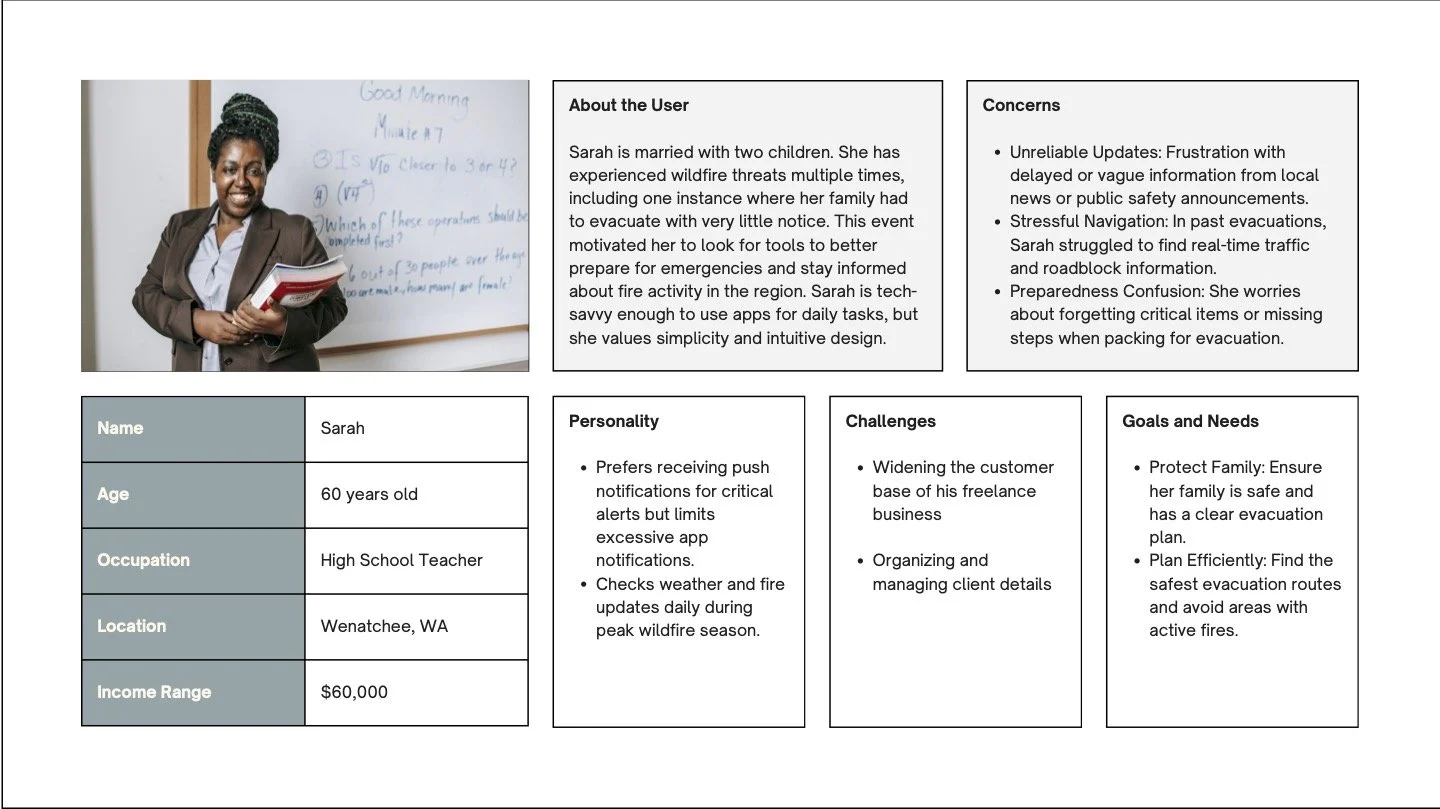
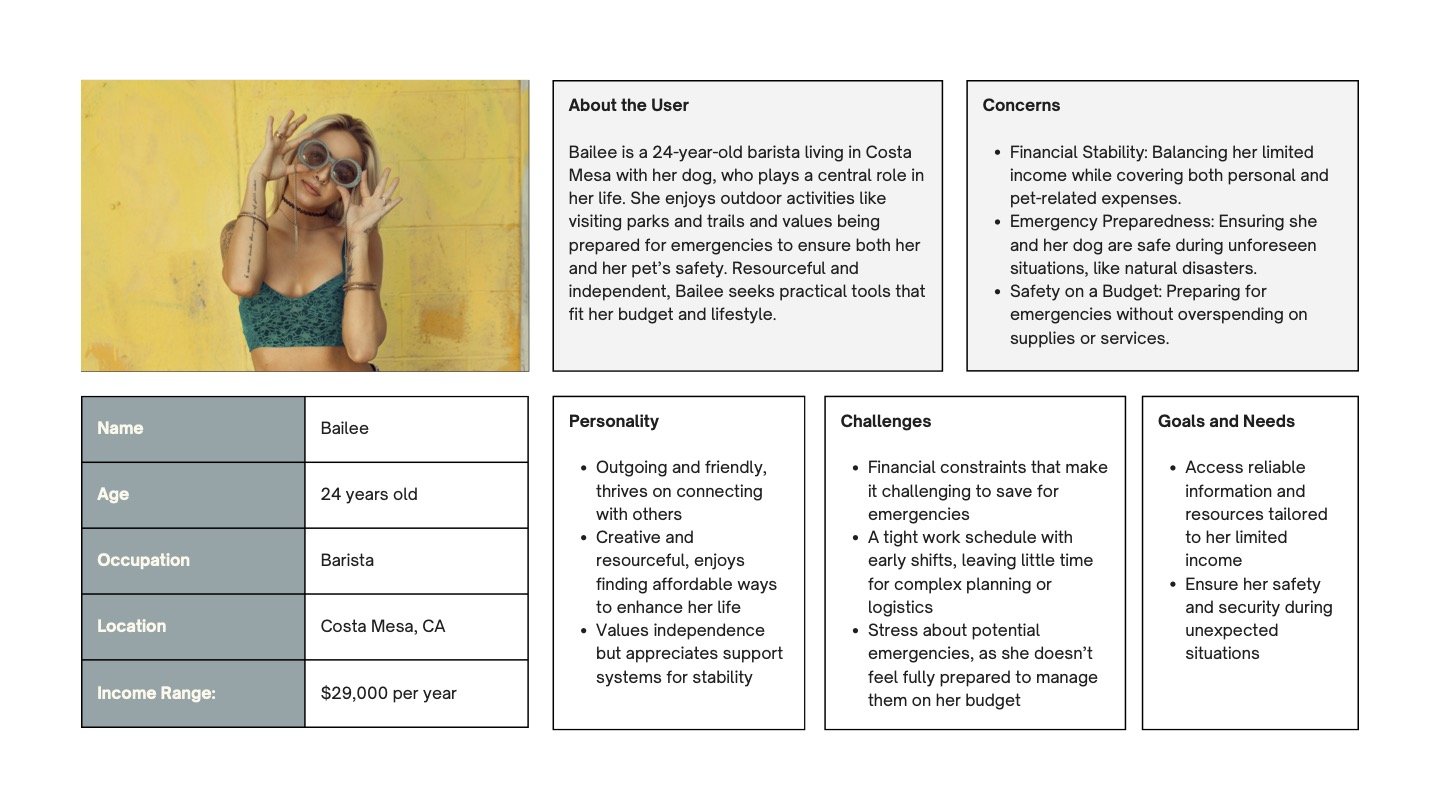
After analyzing survey results, we created three user personas to guide our design decisions and define our target users.
Design Process
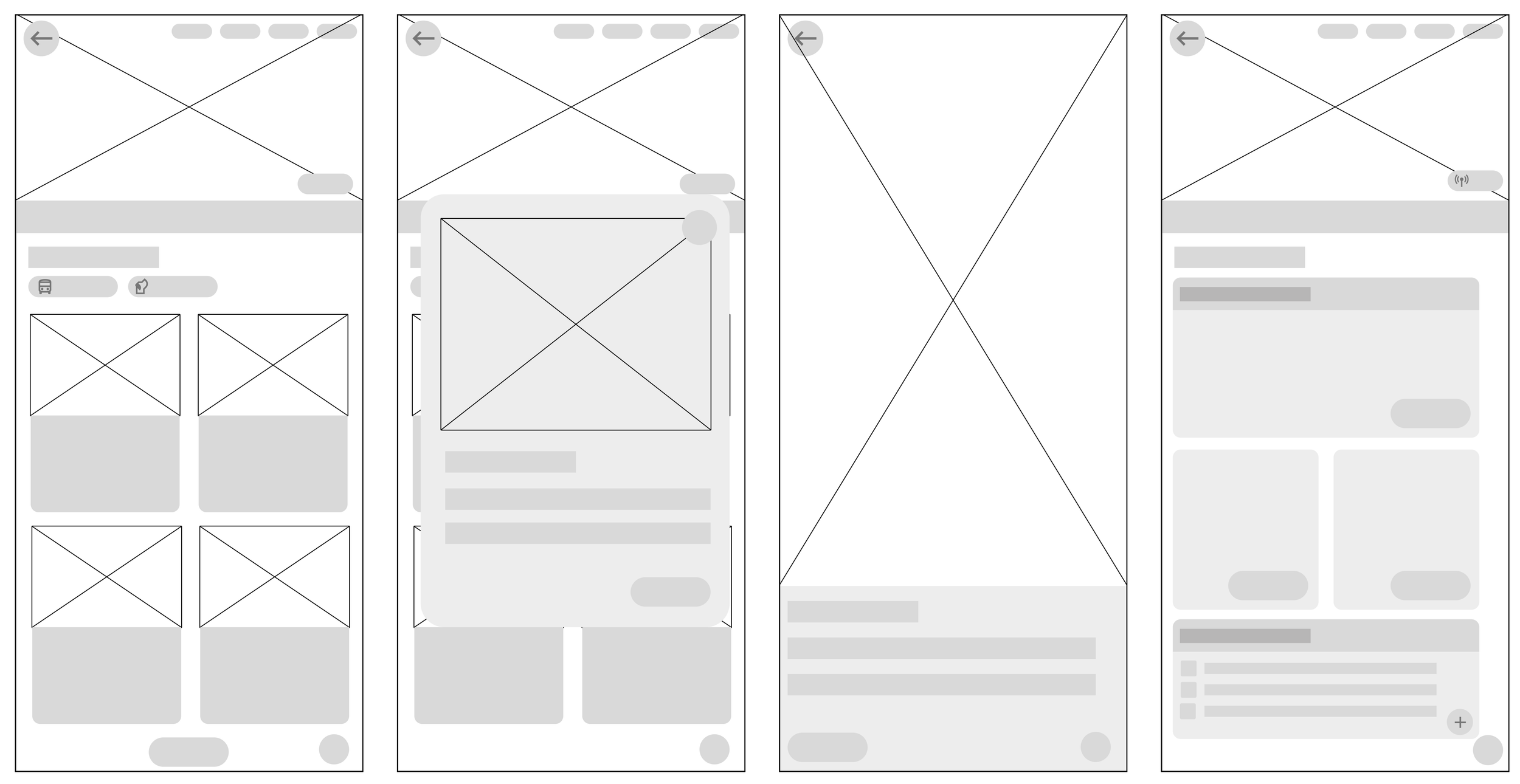
Solution
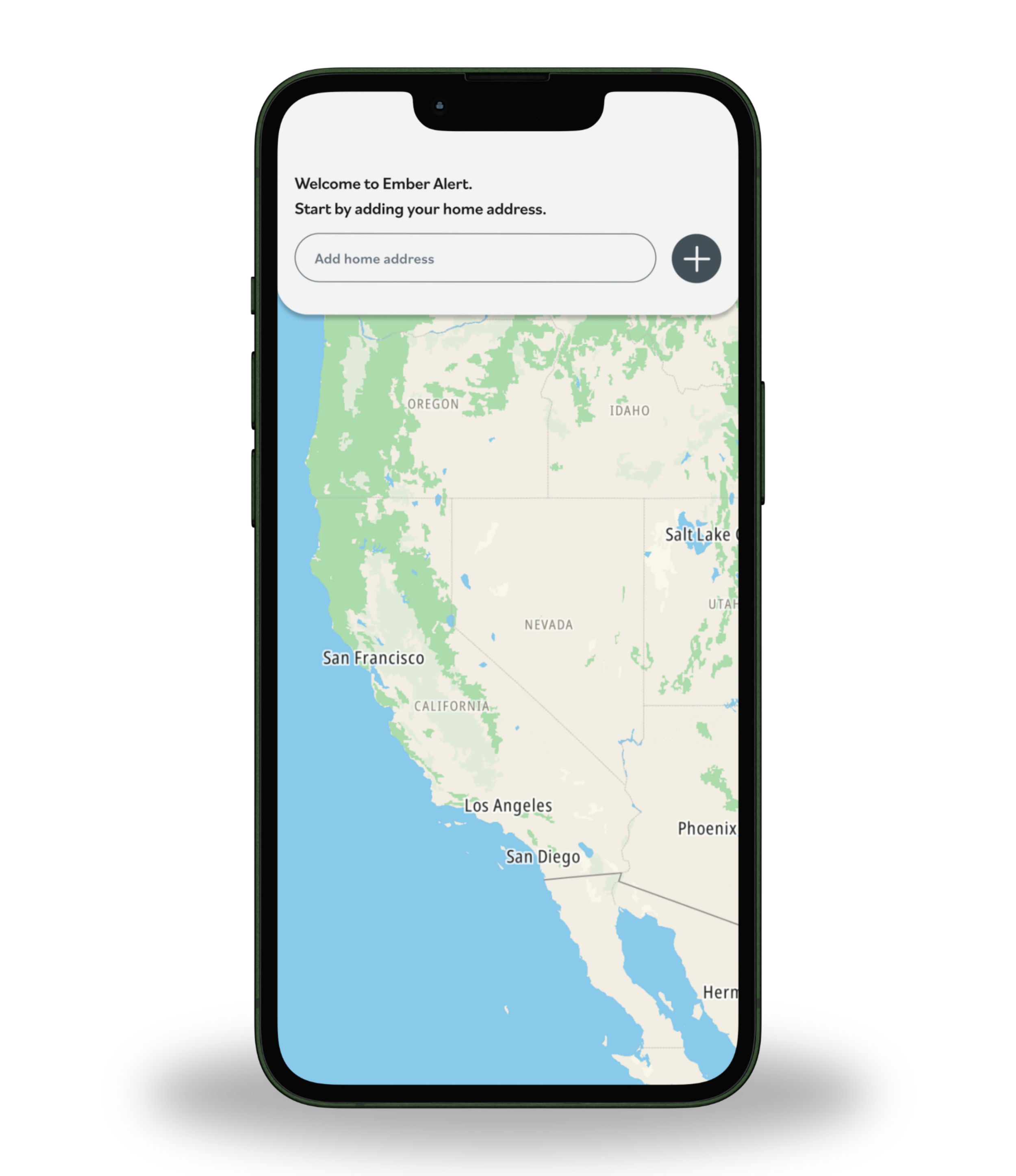
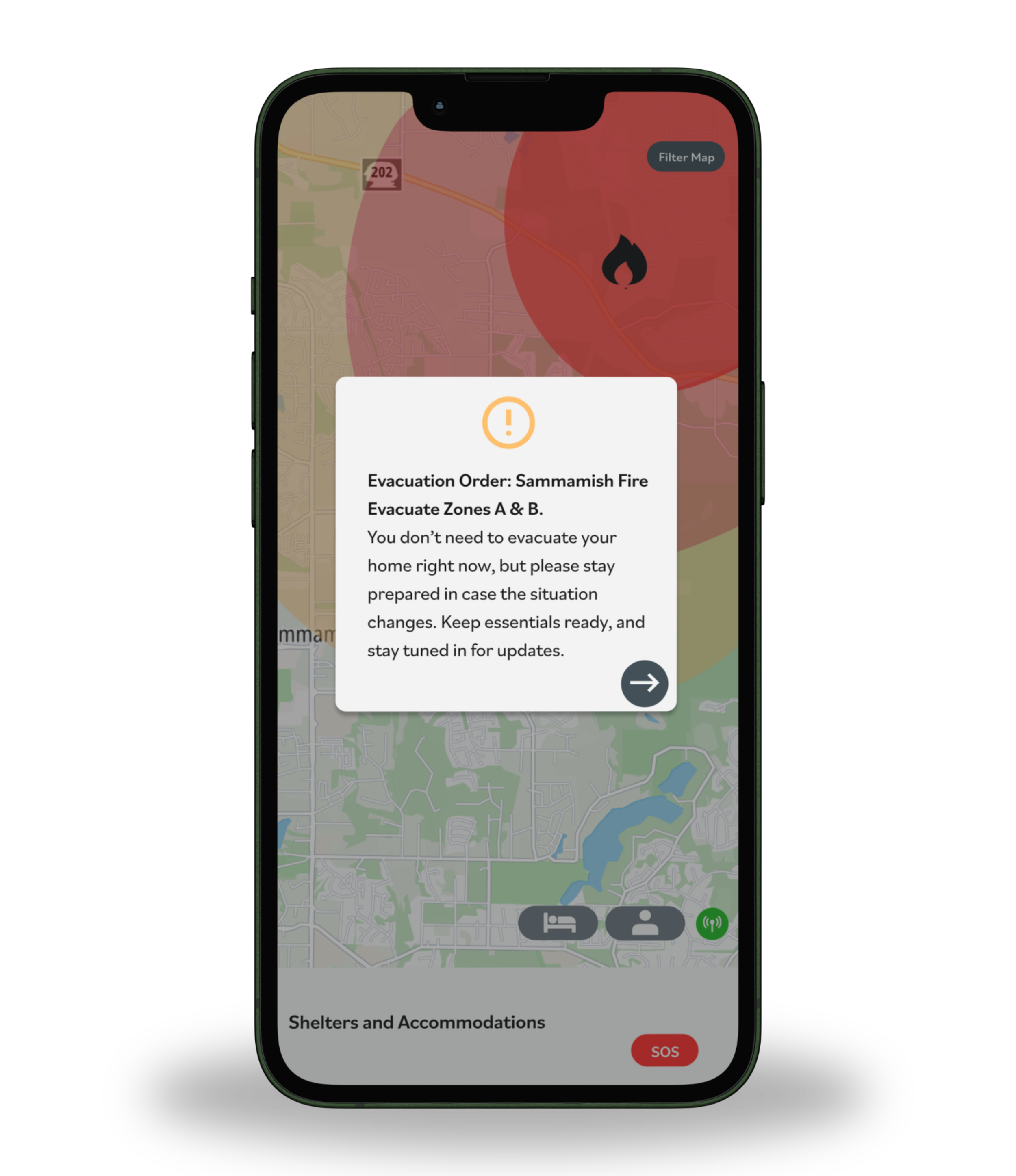
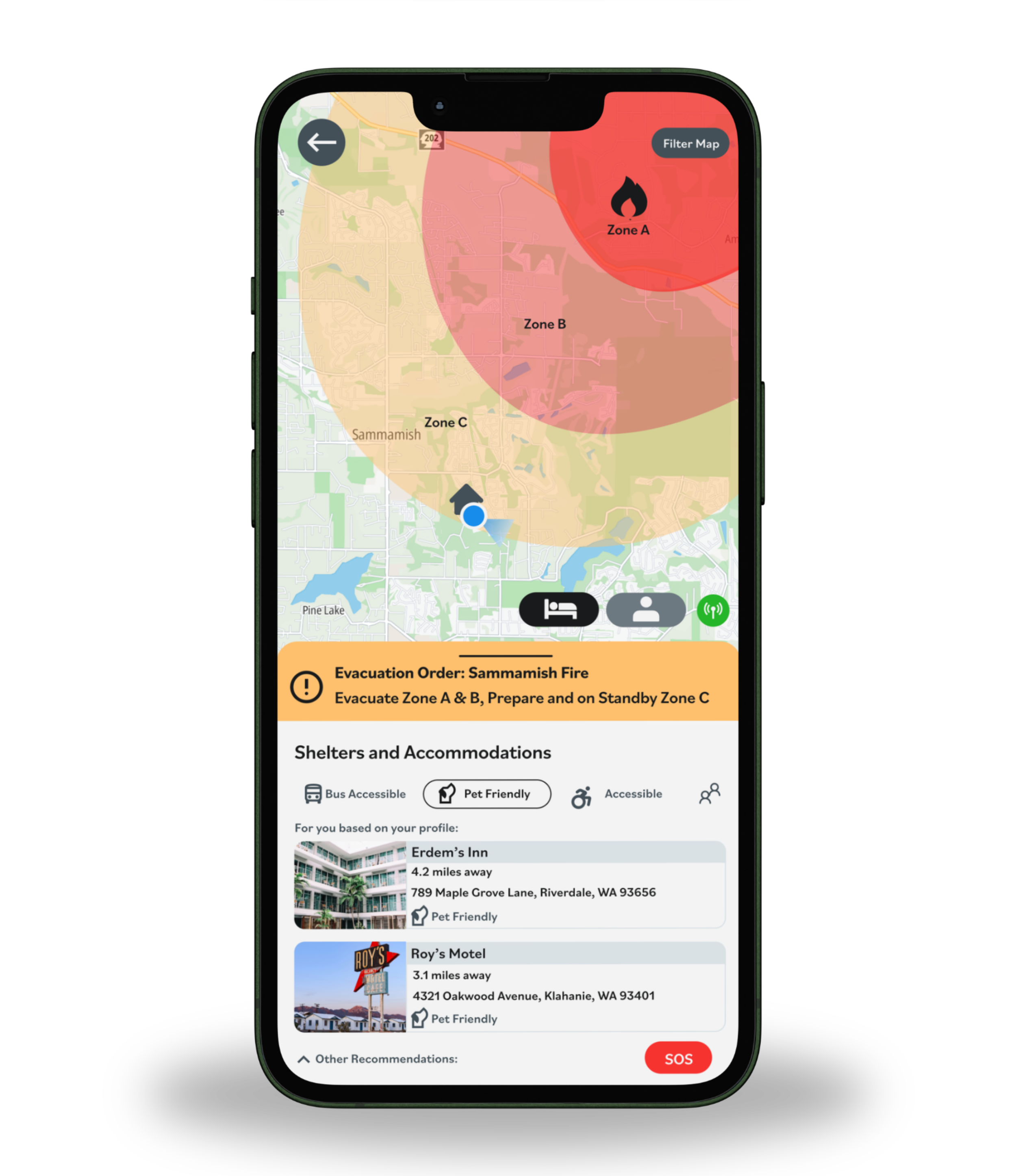
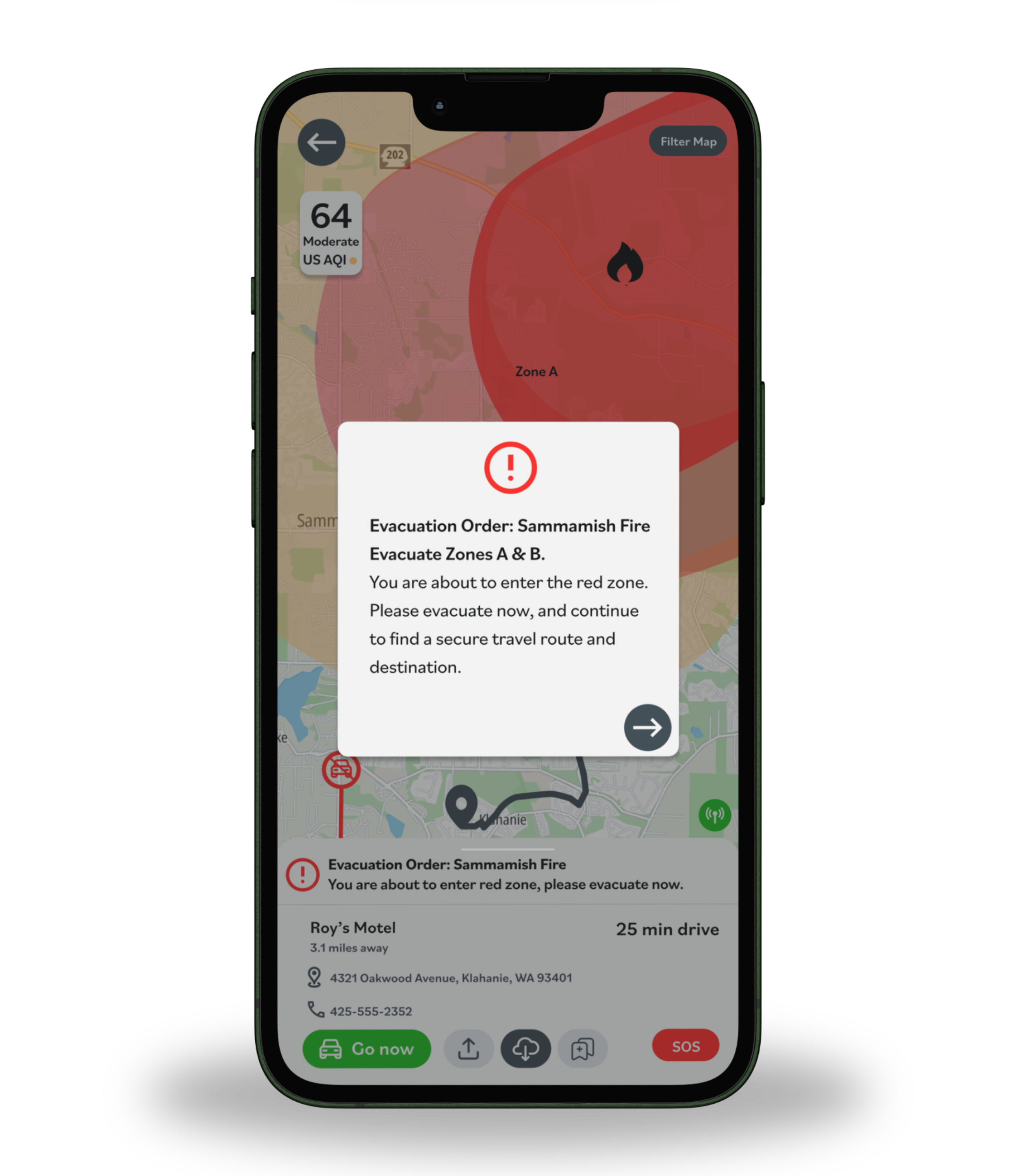
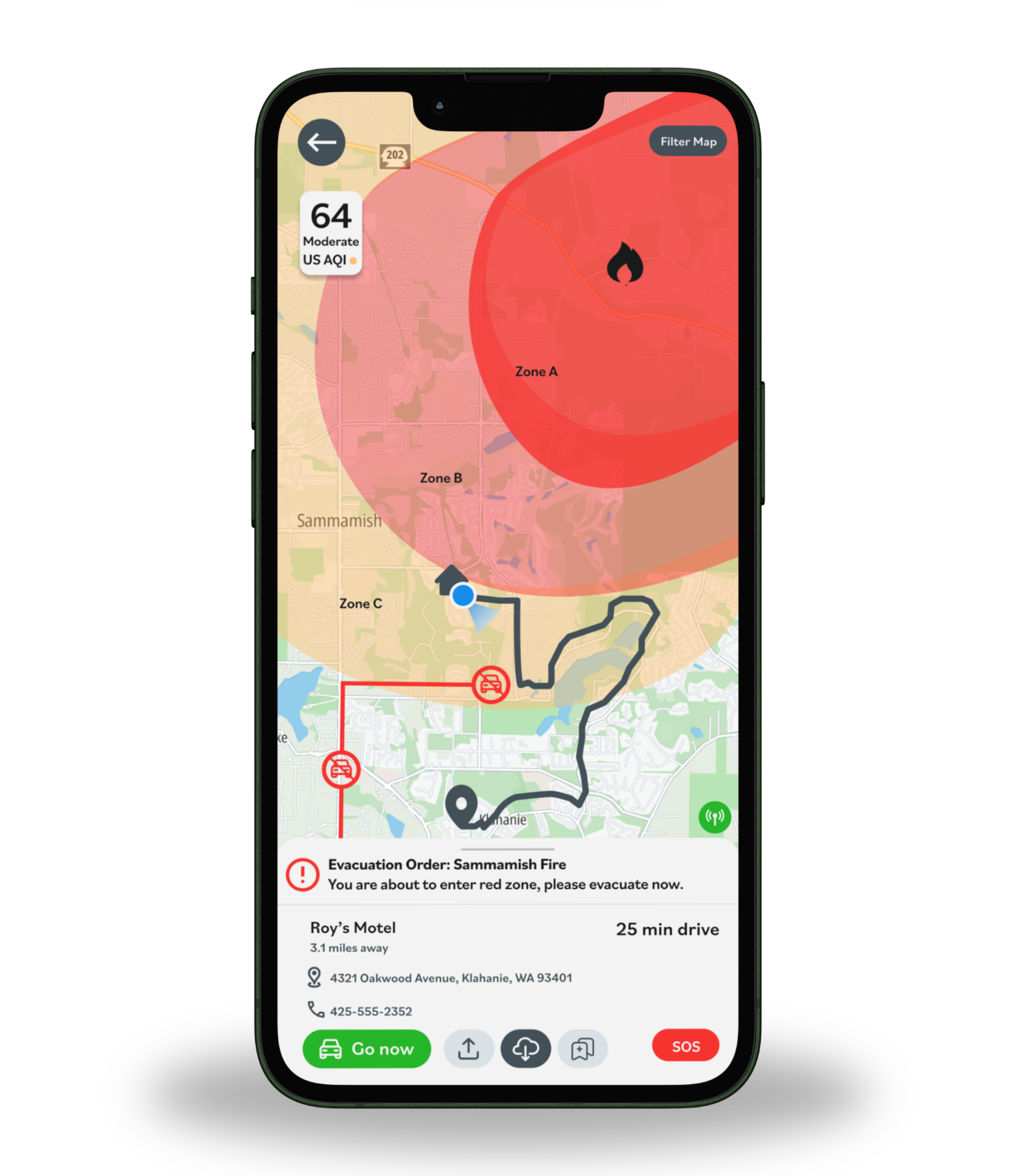
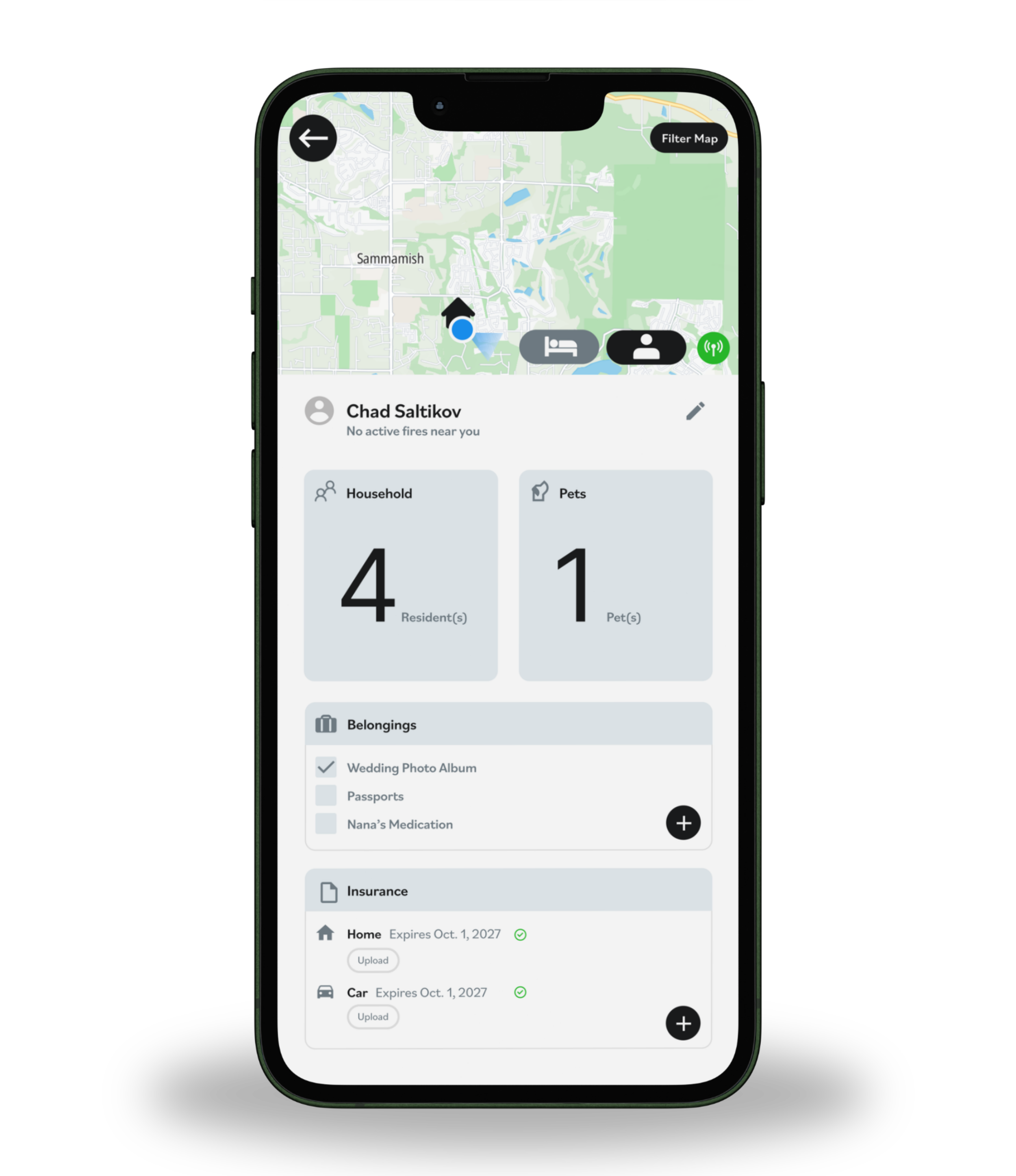
Our concept, Ember Alert, uses AI to generate personalized evacuation routes based on user location, transportation method, and current emergency conditions.
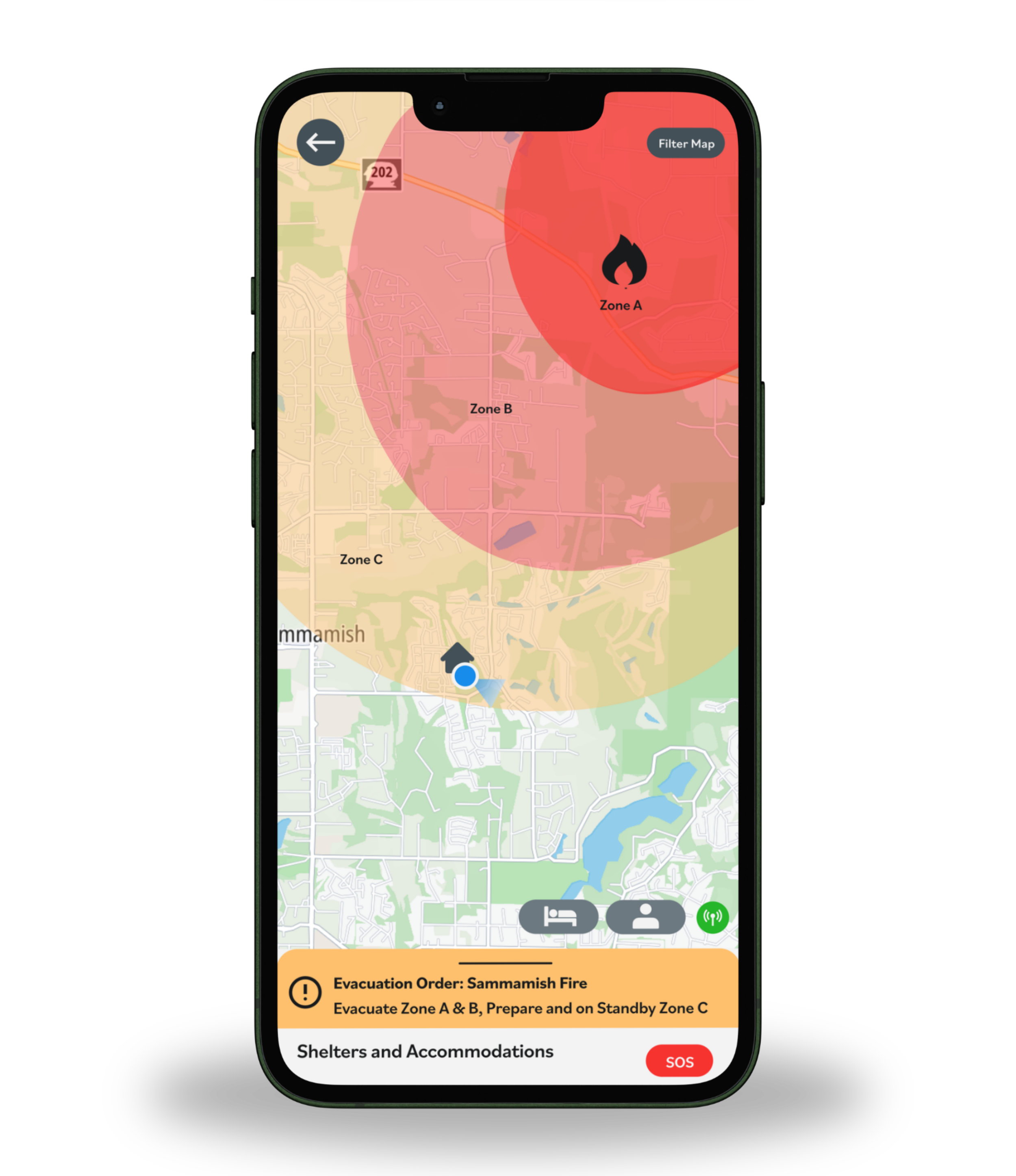
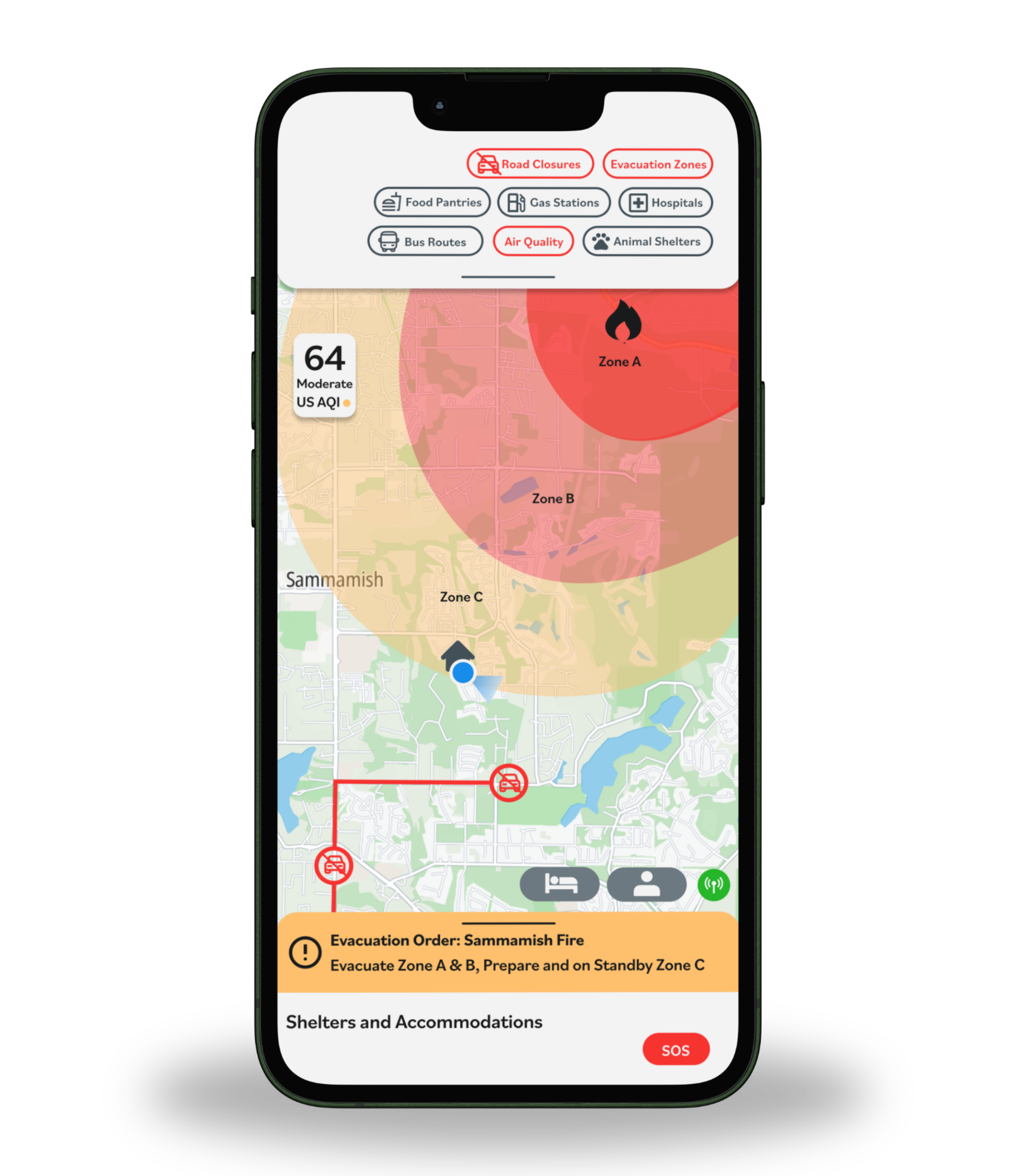
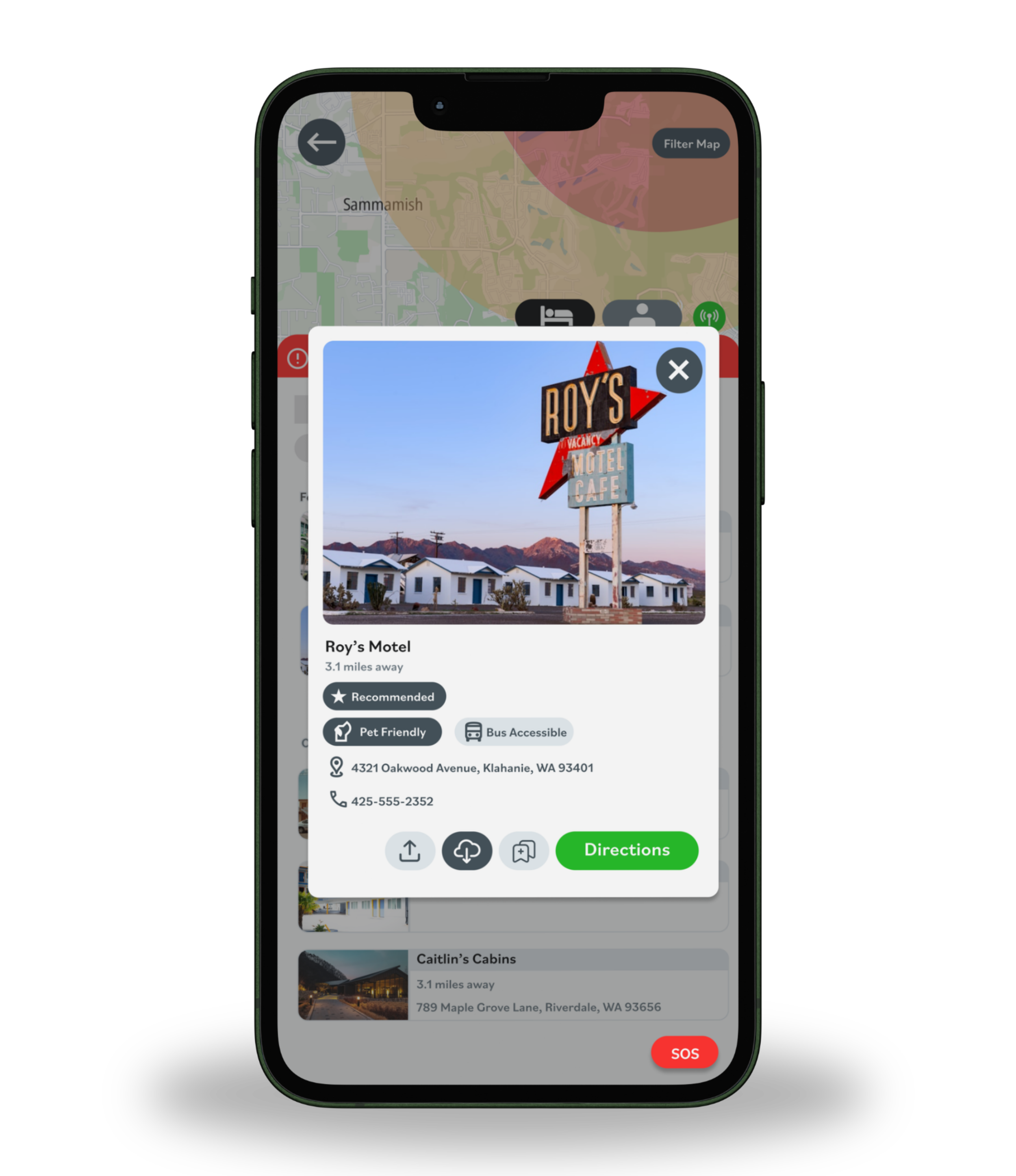
I helped design the core app flow, interactive map interface, and visual hierarchy to highlight urgent information first. The design featured:
Real-time updates on road closures, shelters, and resource centers.
AI-generated route recommendations.
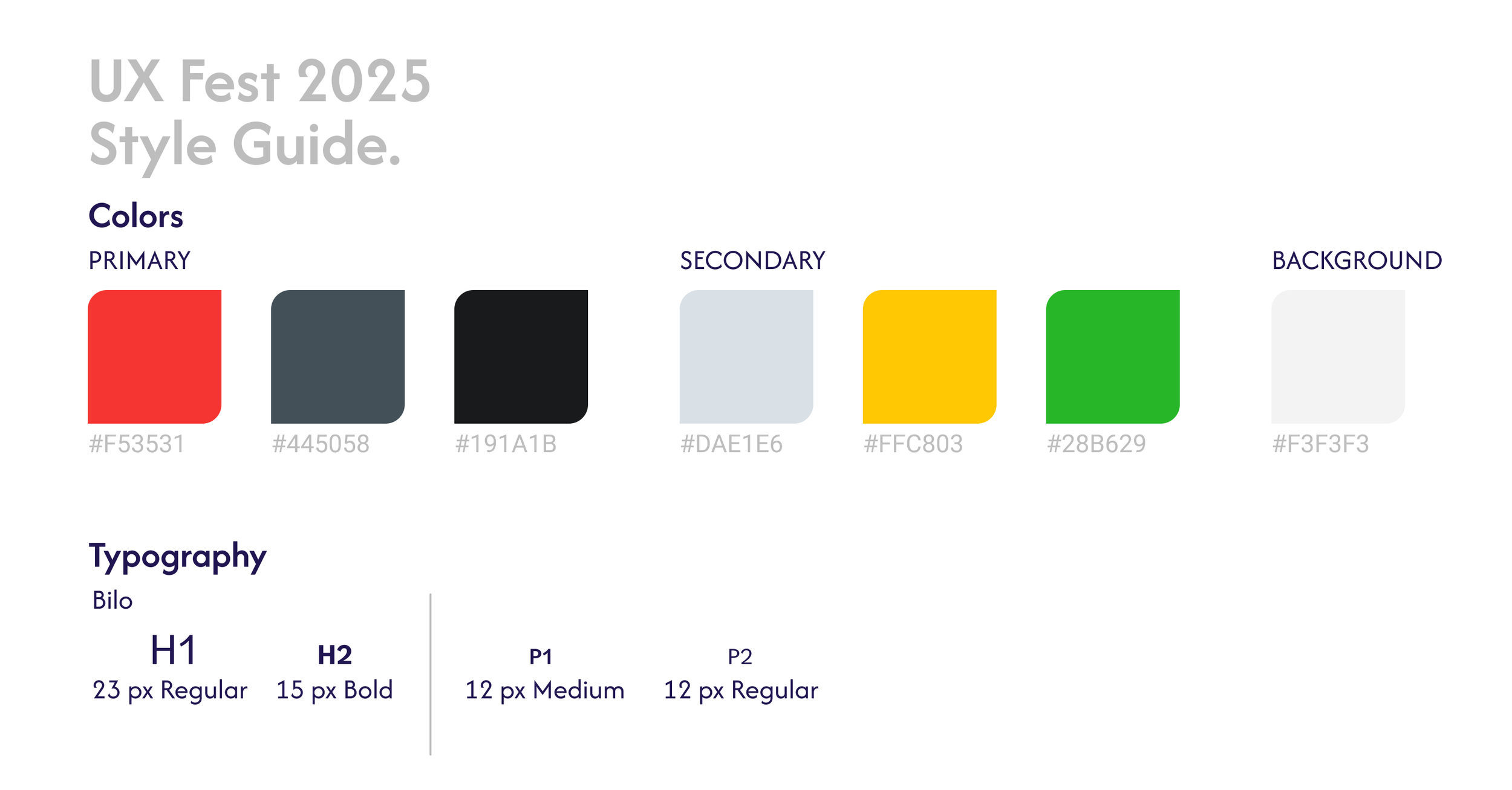
Clear color contrast to ensure accessibility and priority visibility.
Impact
Testing with 22 users during the sprint showed that participants quickly understood the app’s purpose and appreciated the clarity of emergency information. The prototype effectively demonstrated how personalization and live updates could reduce confusion and improve safety during evacuations.
Key Learnings
This rapid sprint strengthened my ability to synthesize research quickly, make design tradeoffs under tight deadlines, and prioritize essential features for maximum usability in high-stress contexts.